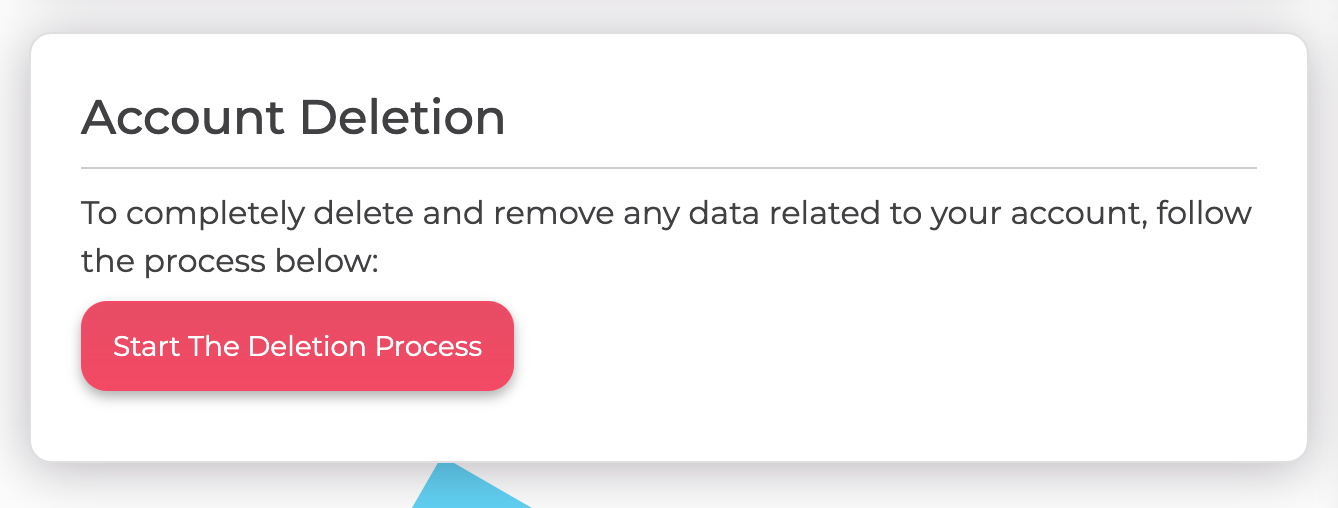
To permanently delete your account, first cancel your subscription if you are on a paid plan, then head to your user settings page and find the Account Deletion section. Click "Start The Deletion Process" to begin.
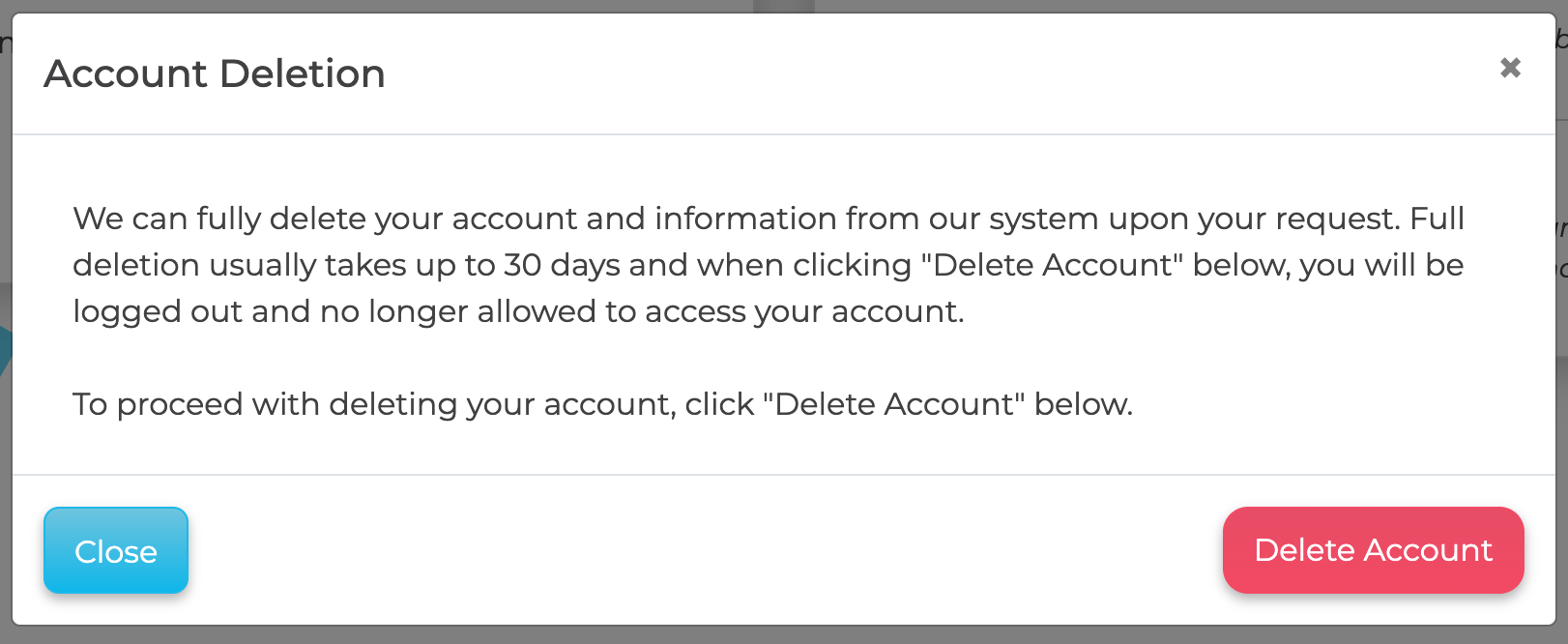
A confirmation window will appear. Click "Delete Account" to permanently delete your account. You will be logged out immediately, and full deletion usually takes up to 30 days.
If you do not see a delete option, or you would like us to handle it for you, email support@sparktoro.com and we will permanently remove your account and its associated data. Deletion is permanent and removes your saved reports, so export anything you want to keep first.
