You can add a billing email so your accountant, finance team, or anyone else gets a copy of every invoice automatically. This is handy if the person who pays the bills is different from the person who logs in.
To set it up:
- Go to your account billing page.
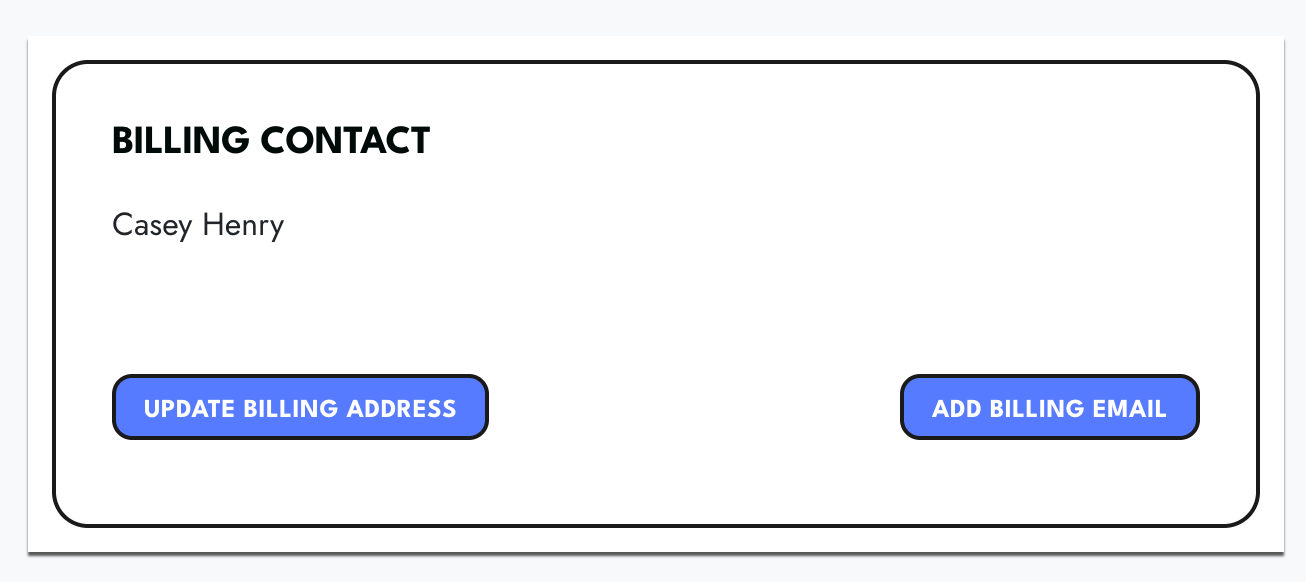
- In the Billing Contact box, click Add Billing Email.
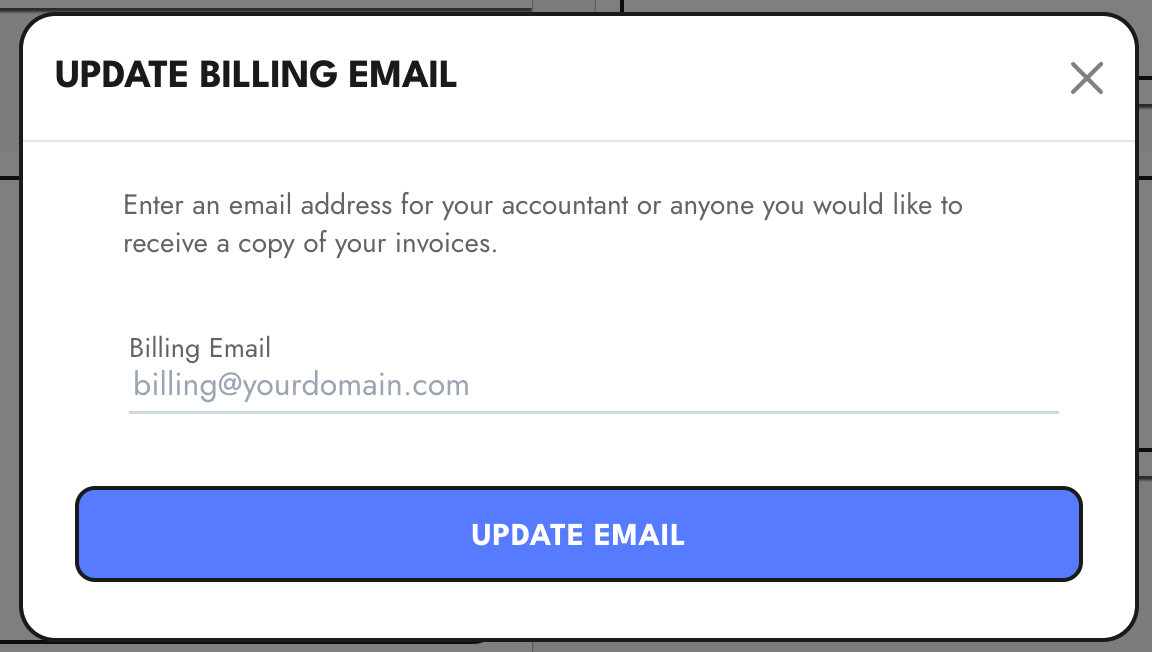
- Enter the email address you would like invoices sent to (for example, billing@yourdomain.com).
- Click Update Email.
From then on, a copy of each invoice goes to that address in addition to your account email. You can change or update it any time from the same billing page.
If you run into any trouble, email support@sparktoro.com and we will help.
