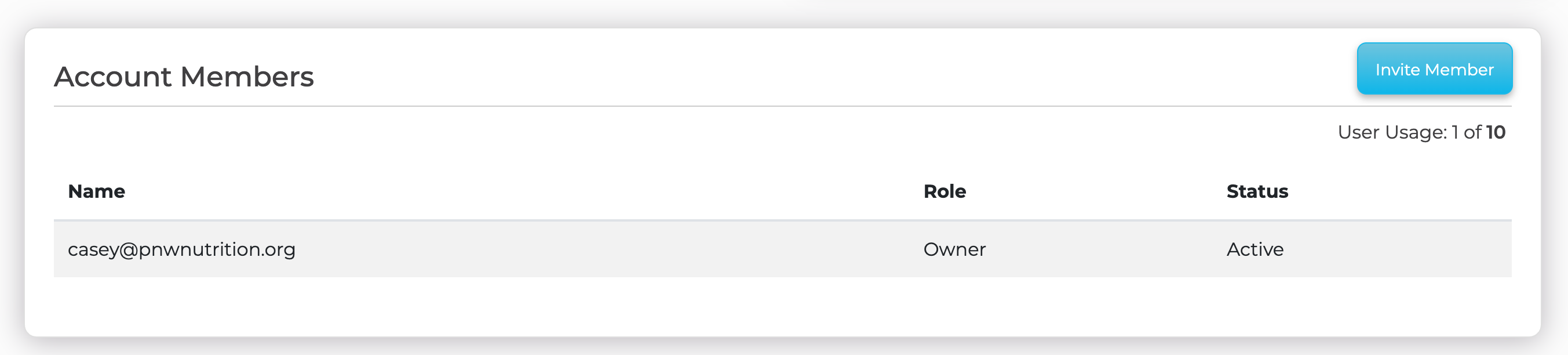
You can invite teammates to collaborate inside your SparkToro account. From your account settings, open the Account Members section and click Invite Member.
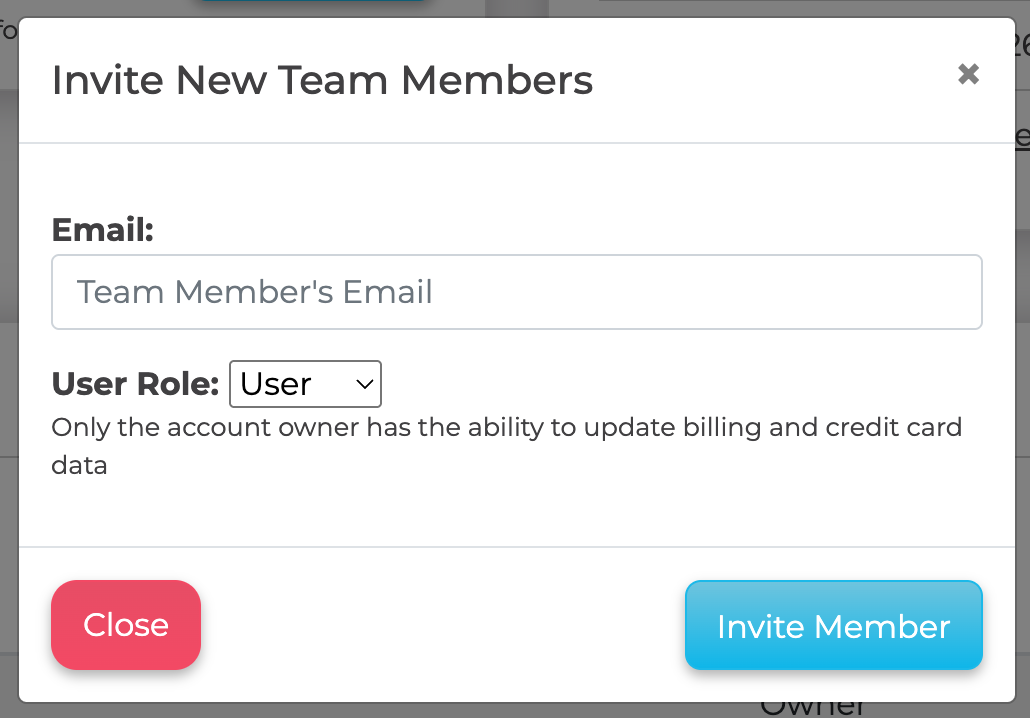
In the Invite New Team Members window, enter your teammate's email, choose their User Role, and click Invite Member. Note that only the account owner can update billing and credit card details.
Collaborators can view and run reports that draw from your shared pool of reports. The number of teammates you can add depends on your plan. If you need more seats than your current plan allows, see upgrading your plan.
If an invite is not arriving, ask your teammate to check their spam folder, then email support@sparktoro.com and we will help.
