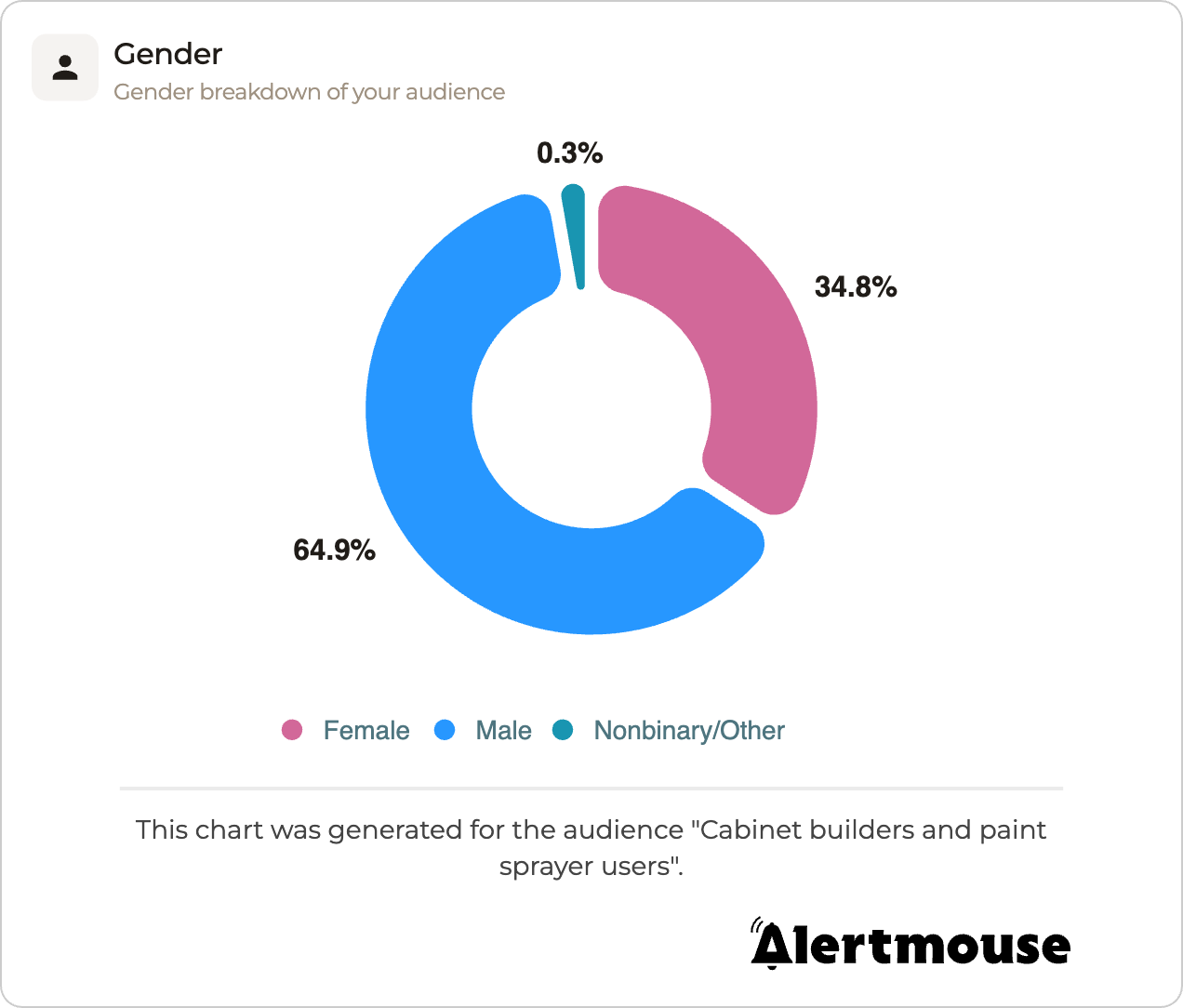
Custom-branded report downloads are available on all paid SparkToro plans. On any paid plan, you can add your own logo and download graphs and PDF reports without SparkToro branding.
Adding your logo (white labeling)
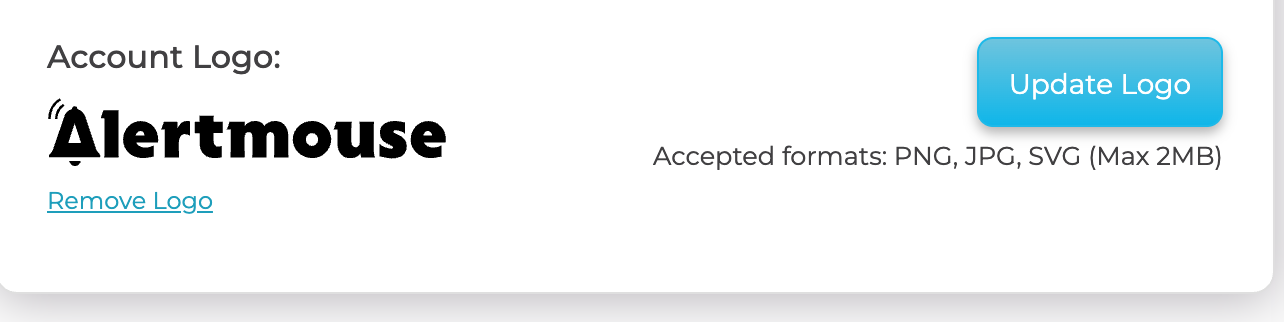
White labeling lets you apply your own logo to every downloaded graph and PDF report. To set it up, go to your account settings and find the Account Logo section. Click Upload Logo and choose your file. Accepted formats are PNG, JPG, and SVG, up to 2MB.

Once uploaded, your logo appears in the Account Logo section. You can swap it at any time with Update Logo, or take it down with Remove Logo.
From then on, your logo is automatically applied to all downloaded graphs and PDF reports in place of the SparkToro branding.